The same contact in 2 Mailchimp audiences is billed twice
 Jean RubensUpdated August 202610 min read
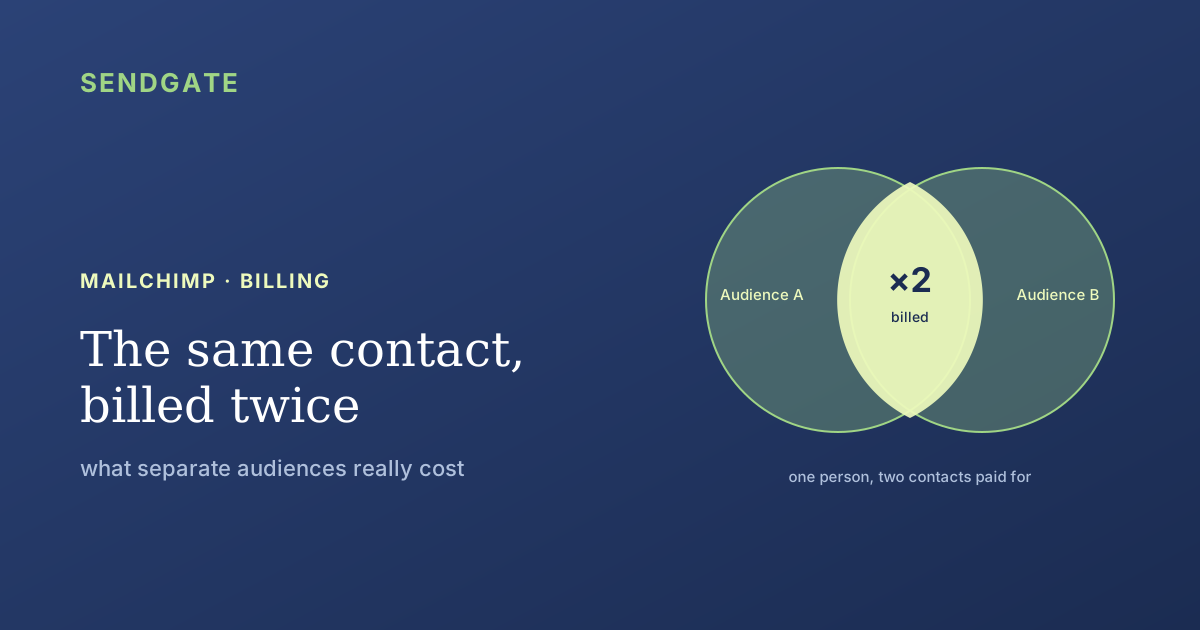
Yes, and Mailchimp says so in writing: the same address sitting in two audiences counts as two distinct people. Mailchimp never dedupes across audiences, only inside one audience at import. And because pricing moves in contact tiers, a duplicate costs nothing until the next step up, then costs a whole step. Here's how to measure the gap and close it.
The question usually comes up at billing time. You add up your audiences, the total doesn't match what you remember your list size being, and you start wondering whether Mailchimp counts people twice when they appear in several lists.
The answer is yes, and it isn't hidden: it's in the documentation. What's poorly explained is how big the effect gets, and the fact that no native tool ever flags it. Let's walk the exact mechanism, then how to close the gap without giving up on separating your teams.
Key takeaways
- Mailchimp: "If the email address of the same person appears in two audiences, we consider it as two distinct people" (Mailchimp).
- No dedupe across audiences. Mailchimp only blocks duplicates at import, inside a single audience.
- Three statuses are billed: subscribed, unsubscribed and non-subscribed. Archived, cleaned, pending and deleted don't count (Mailchimp).
- Pricing moves in contact tiers, not per contact: a duplicate's extra cost is zero, then abrupt.
Does Mailchimp bill the same contact twice?
Yes. Mailchimp writes that "if the email address of the same person appears in two audiences, we consider it as two distinct people", and warns that "this could have an impact on your monthly bill" (Mailchimp, About duplicate contacts). Two audiences, one person, two contacts paid for.
The word that matters is "distinct". This isn't a counting bug support could fix: it's the data model. A Mailchimp audience is a self-contained silo, with its own fields and its own history. The same person exists twice, under two identifiers with no link between them.
That overlap isn't an anomaly. Inside one organization the same person is often a customer, a newsletter subscriber and a support contact at once. The more your audiences mirror your teams, the heavier the overlap gets. It's the setup we cover in our article on the 4 possible setups for running multiple teams on Mailchimp.
Why doesn't Mailchimp dedupe across audiences?
Because dedupe only applies inside one audience. Mailchimp prevents duplicates when you import into a given audience, but never compares two audiences against each other (Mailchimp, About duplicate contacts). No screen tells you how many people you actually have.
The official advice is to avoid the problem rather than fix it. Mailchimp recommends combining audiences into one primary audience with tags, and notes the move can lower your monthly bill when duplicates exist (Mailchimp, Combine Audiences to a Primary Audience Using Tags).
When we wrote our Mailchimp connector, we looked for an endpoint that would return a whole account's contacts. There isn't one. You read members audience by audience, on /lists/{id}/members: the API exposes no notion of a "person" at account level.
The practical consequence: adding up your audience counters doesn't give you your real headcount, it gives you your billed contact count. Even webhooks are registered audience by audience, there's no account-wide webhook. The silo isn't just a UI convention, it goes all the way down to the API.
What does it really cost? The math in tiers
Price doesn't track your contact count one by one. Mailchimp has you pick a contact ceiling in tiers, and that tier sets the rate (Mailchimp, About Mailchimp pricing plans). The Free plan stops at 250 contacts, Essentials and Standard start at 500, and Premium doesn't begin below 10,000.
That's what makes the extra cost deceptive. A duplicate costs nothing while you stay inside your tier. It costs a whole step the day your total crosses the boundary. So you never pay for duplicates proportionally: you pay nothing for a long time, then you pay all at once.
Going over mid-cycle doesn't cut anything off, but it does get billed: Mailchimp states an additional charge appears on your bill, and that you either move up a tier or reduce your audience for a full billing cycle to clear it (Mailchimp). An untreated duplicate keeps costing you until you act.
What keeps the drift invisible
Three statuses out of seven are billed. Subscribed, unsubscribed and non-subscribed contacts all count toward your monthly limit, while archived, cleaned, pending and deleted contacts don't (Mailchimp, About your contacts). So an unsubscriber keeps costing you until you archive them.
| Contact status | Counts toward the billed limit? |
|---|---|
| Subscribed | Yes |
| Unsubscribed | Yes, until archived |
| Non-subscribed | Yes |
| Cleaned | No |
| Pending | No |
| Archived | No |
| Deleted | No |
Source: Mailchimp, About your contacts. Mailchimp tiers and labels change; check before committing.
Here's where the two mechanisms compound. Someone sitting in three audiences who unsubscribes from one is still billed in the other two. To stop paying for them you have to archive them in each audience, one at a time. Duplication multiplies the bill, and it multiplies the cleanup needed to shrink it.
And the list decays on its own. Lists lose at least 23% of their validity a year (ZeroBounce, The Email List Decay Report for 2026, 2026), erosion you maintain separately inside every audience.
How do you find duplicates across audiences?
By hand, for lack of a native tool. Since Mailchimp doesn't compare audiences against each other (Mailchimp, 2026), its own documentation points you to an export and a spreadsheet to spot duplicate addresses. Three steps are enough to learn your real gap.
Export each audience separately
One export per audience, keeping the email address. That's the only granularity Mailchimp exposes, on screen and in the API alike.
Count unique addresses across the whole set
Stack the exports and dedupe on email. The gap between that total and the sum of your audience counters is exactly what you're paying for twice.
Place both numbers against your tier boundary
If your real count sits below the boundary and your billed total sits above it, duplication is costing you a full tier. That's the case worth acting on immediately.
Consolidating into one audience without opening it to everyone
The fix is well known, and so is the objection. Mailchimp recommends a single audience with tags, which removes duplicates and can lower the bill (Mailchimp, 2026). Except plenty of organizations created several audiences precisely to separate their teams.
That reason doesn't hold. Mailchimp permissions apply to the whole account at every tier: one audience per team restricts nobody's access, as we cover in can you restrict a Mailchimp user to specific audiences? So you're paying for a separation that separates nothing.
Splitting by audience costs you twice: double billing on the people in common, and double sending, since one campaign addressed to two audiences reaches contacts in both of them twice (Mailchimp). In return you get no access compartmentalization at all. That has to come from somewhere else.
A single audience fixes the bill and the duplicate sends. What's left is giving each team its own working scope, which tags don't do: a tag organizes, it forbids nothing. For the whole picture, see our guide to multi-team Mailchimp governance.
One audience for the bill, per-team scopes anyway.
Sendgate sits on top of your existing Mailchimp account, with no migration. You consolidate into a single audience, so you stop paying twice for the same people, and each team still sees only the lists assigned to it, with its own senders. The frequency each contact receives is tracked across every campaign. Mailchimp is supported today.
Try it free →Email sending governance · Not affiliated with the brands mentioned
The takeaway
Mailchimp treats the same address in two audiences as two distinct people, and says so in its documentation. It only dedupes at import, inside one audience: no screen and no API endpoint gives you your real headcount. The sum of your audience counters is a billed total, not a population.
Because the rate moves in contact tiers, a duplicate costs nothing and then costs a whole step. Export each audience, dedupe on email, compare both numbers against your tier boundary. If splitting by audience was meant to compartmentalize teams, it fails: permissions stay account-wide. Consolidate, and let the compartmentalization come from a layer above.
Frequently asked questions
Does Mailchimp bill a contact in two audiences twice?
Does Mailchimp automatically dedupe across audiences?
Which contact statuses does Mailchimp bill for?
Will merging my audiences lower my bill?
If I merge, how do I keep my teams separate?
Sources
- Mailchimp, About duplicate contacts, retrieved 2026-08-01. mailchimp.com
- Mailchimp, About your contacts, retrieved 2026-08-01. mailchimp.com
- Mailchimp, About non-subscribed contacts, retrieved 2026-08-01. mailchimp.com
- Mailchimp, About Mailchimp pricing plans, retrieved 2026-08-01. mailchimp.com
- Mailchimp, Combine Audiences to a Primary Audience Using Tags, retrieved 2026-08-01. mailchimp.com
- Mailchimp, My subscriber received multiple copies of my campaign, retrieved 2026-08-01. mailchimp.com
- Mailchimp, Manage User Levels in Your Account, retrieved 2026-08-01. mailchimp.com
- ZeroBounce, The Email List Decay Report for 2026, retrieved 2026-08-01. zerobounce.net
Billing behavior and contact tiers verified against Mailchimp documentation on 1 August 2026. Mailchimp plans change; currency prices are deliberately not quoted here, since the pricing page only surfaces variable promotional rates.
Jean Rubens
Co-founder, Sendgate
Jean is a co-founder of Sendgate. He writes about multi-team email governance: send visibility, list compartmentalization and deliverability across shared sending accounts.