 Mailchimp
The per-team compartmentalization Mailchimp doesn't have.
Mailchimp offers only 5 fixed roles, identical across all your audiences. No way to limit a team to its own audiences. Sendgate adds it on top of your account.
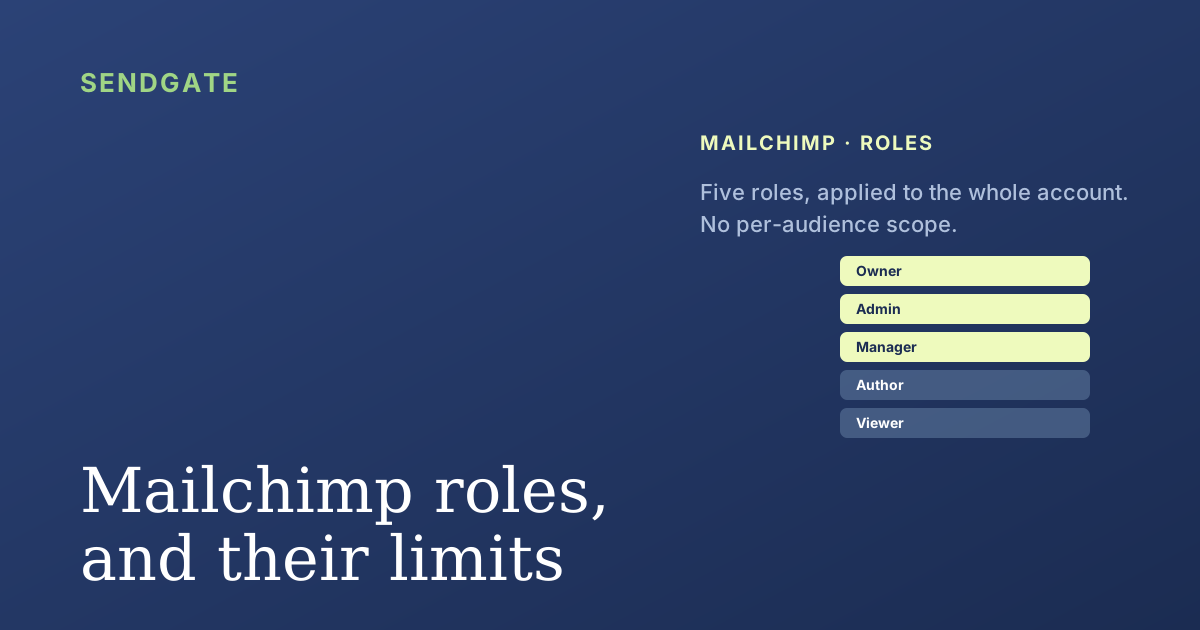
Five roles, and the whole account
Mailchimp's 5 levels apply to the WHOLE account. A Manager sees and touches all your audiences, at any tier. No per-team scope.
A per-team scope, added on top
You keep Mailchimp as your sending channel. Sendgate brings the missing compartmentalization layer, audience by audience.
Connect via API key
You paste your Mailchimp API key. Your audiences stay in Mailchimp — Sendgate reads them, never copies them.
Scope teams to their audiences
Create team groups and decide which audiences each one can use. A member only sees their own scope — mailing the wrong audience becomes impossible.
Assigned senders & frequency caps
Each team sends only from its own approved senders, and a shared frequency cap protects deliverability across the whole account.
Mailchimp roles vs Sendgate
Mailchimp's five roles are account-wide. Sendgate adds the per-team, per-audience layer on top — without changing your Mailchimp plan.
| Capability | Mailchimp roles | With Sendgate |
|---|---|---|
| Access scope | 5 fixed roles, applied to the whole account | Per team, per audience |
| Limit a team to its own audiences | Not possible | Yes |
| Approved senders per team | No | Yes |
| Frequency cap across teams | No | Yes |
| Cost for multi-team control | Higher paid tier for more seats | €29/month flat, any Mailchimp plan |
| Your audiences copied elsewhere | — | No, they stay in Mailchimp |
Frequently asked questions
Doesn't Mailchimp already do this?
How does Sendgate limit a team to specific audiences?
Are my audiences copied to Sendgate?
Do I need a paid Mailchimp plan?
Can members still send directly from Mailchimp?
How long does setup take?
More on Mailchimp
The per-team compartmentalization Mailchimp is missing.
Per-audience scope, assigned senders, from €29/month.
Connect my Mailchimp account